- Click Planning>Weekly Planner from the menu bar at the top of the page.
- Click the Blue Cog and select Settings.
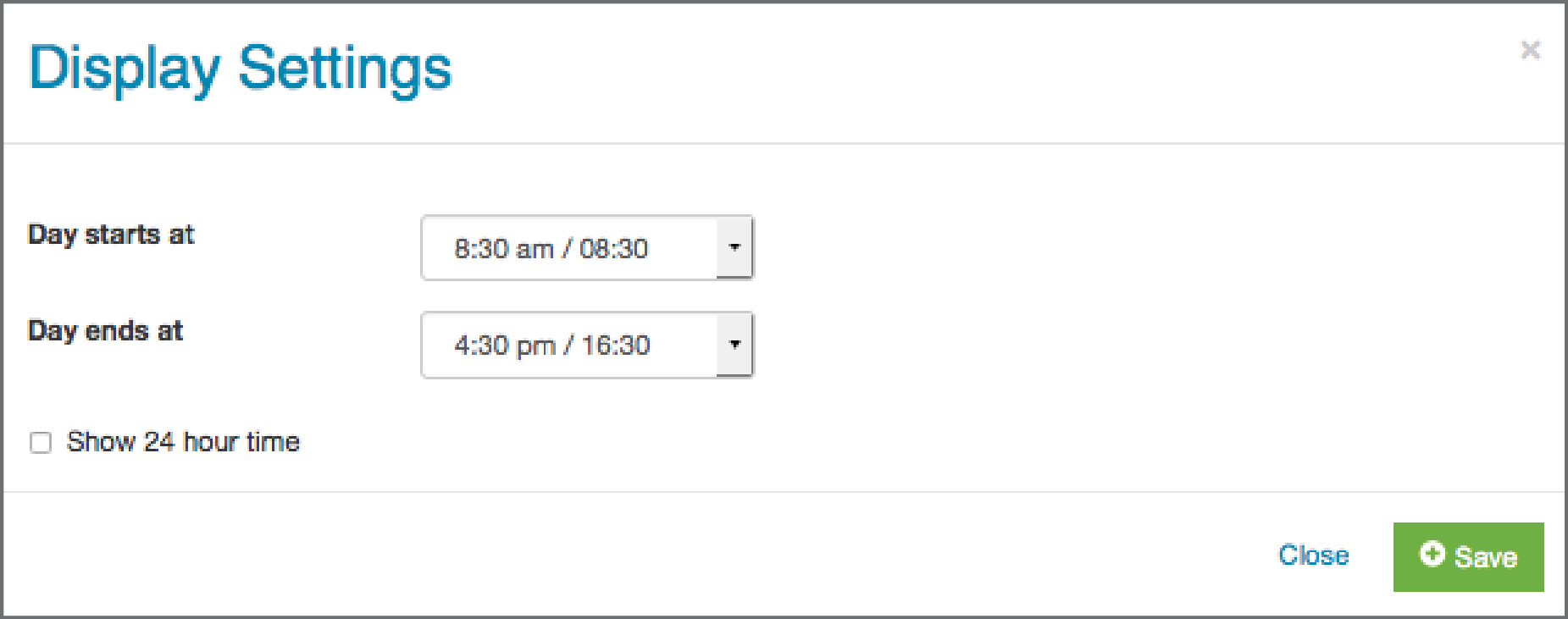
- Adjust the timing to reflect your day and click Save.

Modified on: Mon, 27 Apr, 2020 at 4:40 PM
Did you find it helpful? Yes No
Send feedback