How do I add resources from my Filebox to my planning?
Print
Modified on: Sun, 18 Dec, 2016 at 6:11 PM
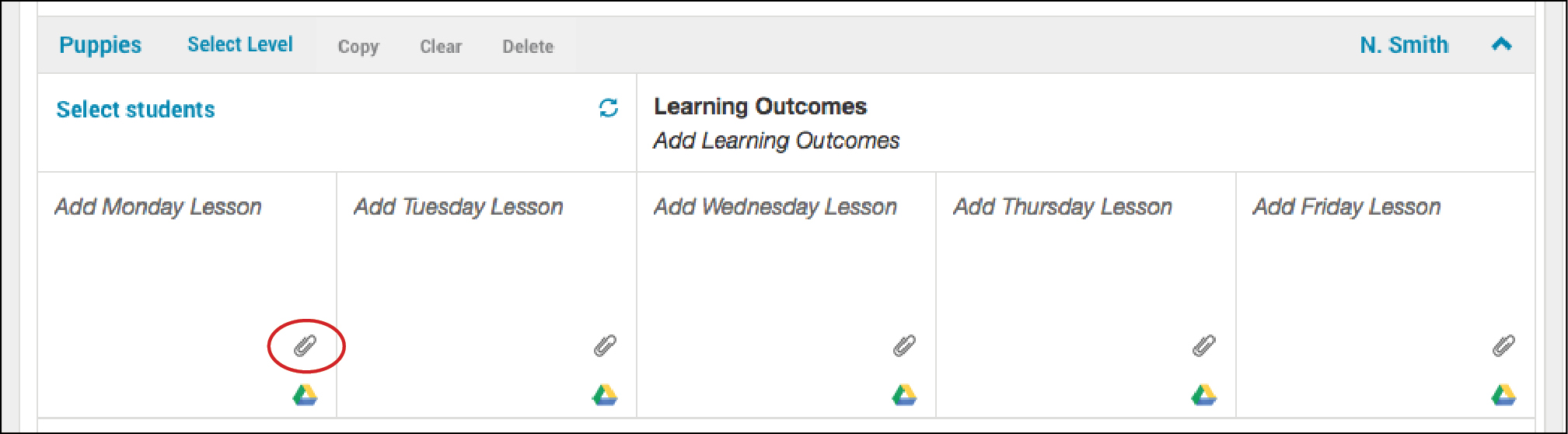
- Click Paper Clip icon in your lesson plan.
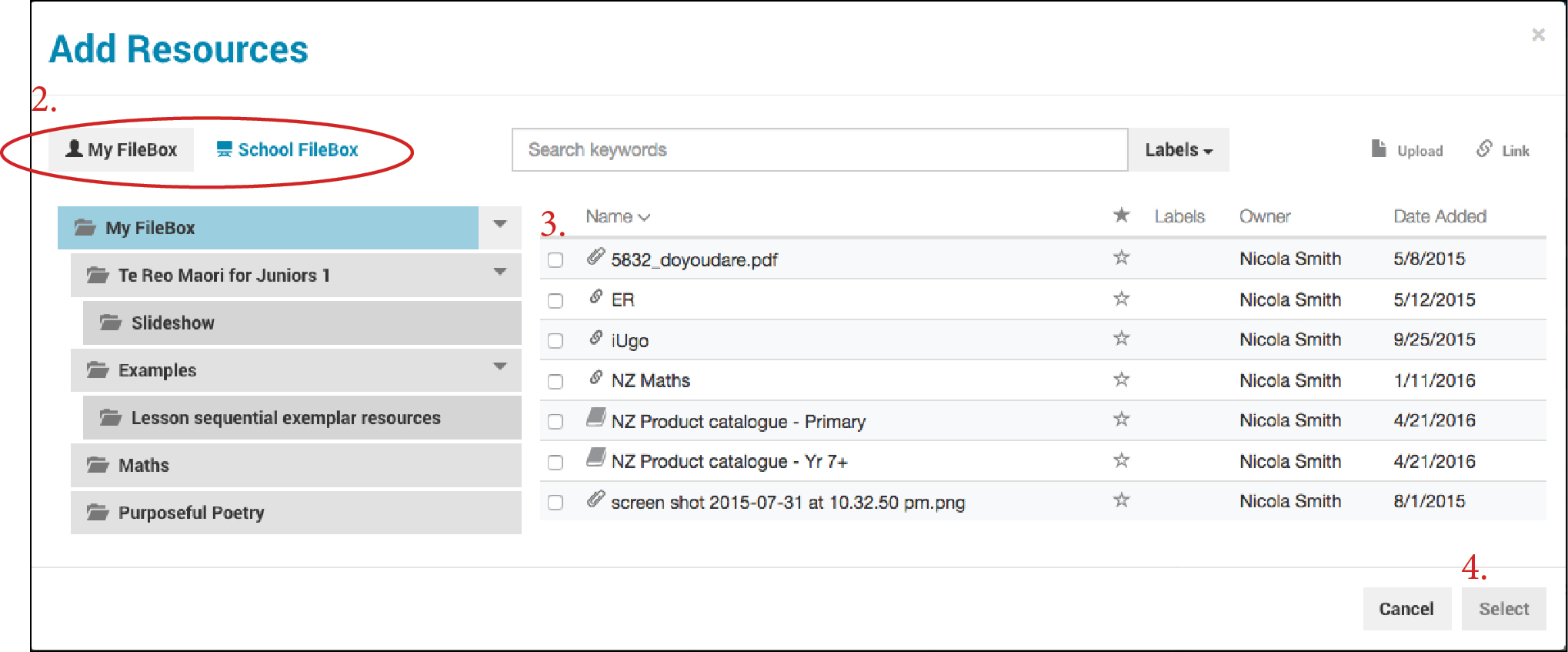
- Find the resource/s you want to add to your lesson. You can add resources from your personal Filebox, or from your School Filebox.
- Tick the resource/s you wish to add.
- Click Select at the bottom right-hand corner.
- You will now see the resource in your lesson plan. To open this resource, click on it from within either your Lesson Plan or your Daily Planner. It will open in a new tab.
Did you find it helpful?
Yes
No
Send feedback Sorry we couldn't be helpful. Help us improve this article with your feedback.
