
1. Sign into your admin account and go to admin in the dark blue section at the top of the page.
2. Click on the button 'Store Credit'.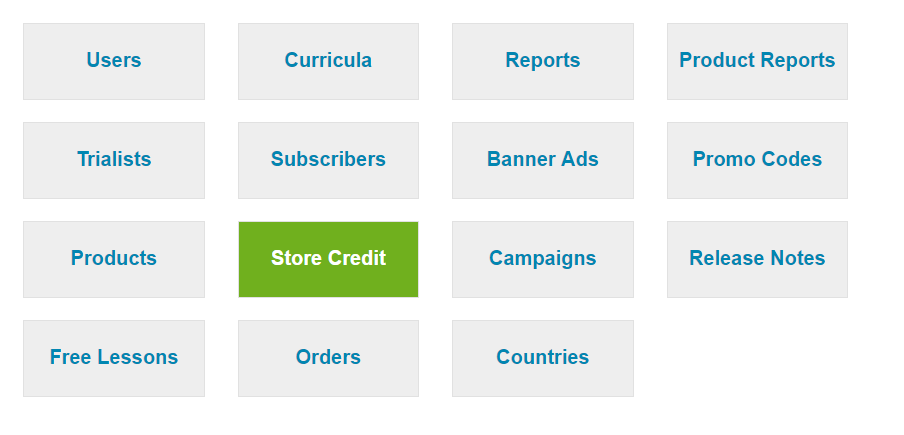
3. In the next page that loads click on the green button 'New'.
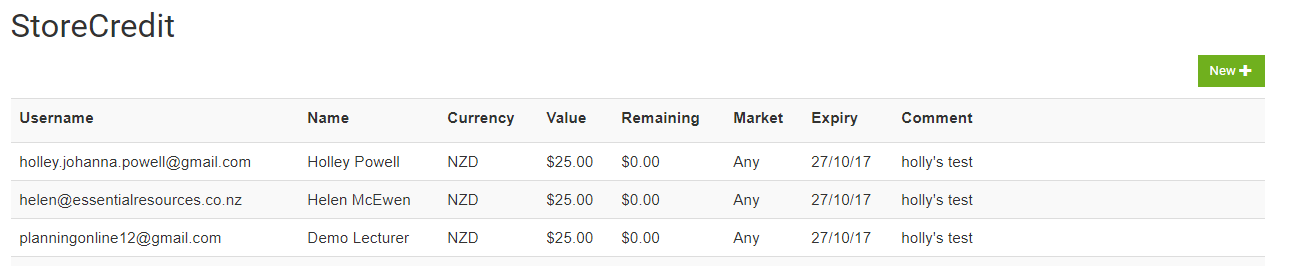
4. In the next page that loads - type in the email address for the account you wish to add the credit to then click the green search button.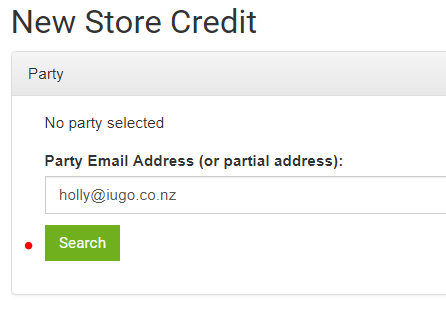
5. The email address should then appear above the search button with an option next to it called 'select' click on select.

6. Next type in the credit value.
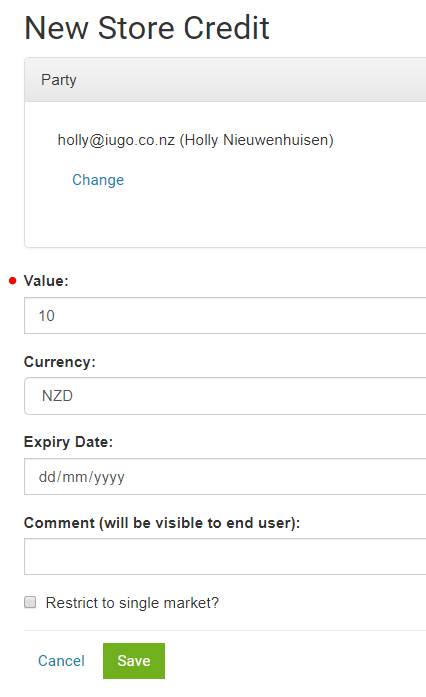
7. Click Save and the credit will show on the account you selected.
Please note.
If you leave out an expiry date then the credit will never expire. The comment will only show when a user goes to their account settings and selects 'Credit' to view their credit history.