1. In the Accredo navigator click on the option 'Web' then 'Moving Customers'.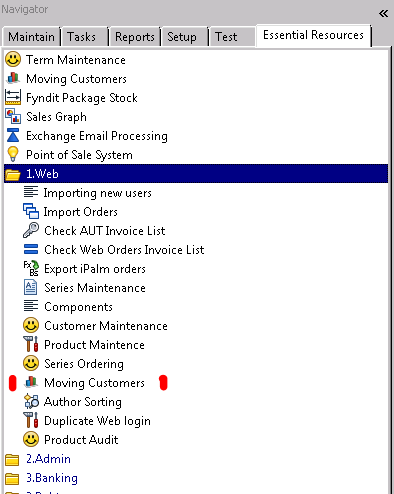
2. In the pop-up that loads search for the customers current school.

Modified on: Tue, 25 Feb, 2020 at 5:23 PM
1. In the Accredo navigator click on the option 'Web' then 'Moving Customers'.
2. In the pop-up that loads search for the customers current school.
Did you find it helpful? Yes No
Send feedback