
These instructions will allow admin users to bulk-copy plans for one teacher from one school to another.
1. Make sure the teacher is linked to both their current school and the new school.
- It does not matter which school is active, it is only important that the user is linked to at least 2 schools to that the plans can be copied and replicated.
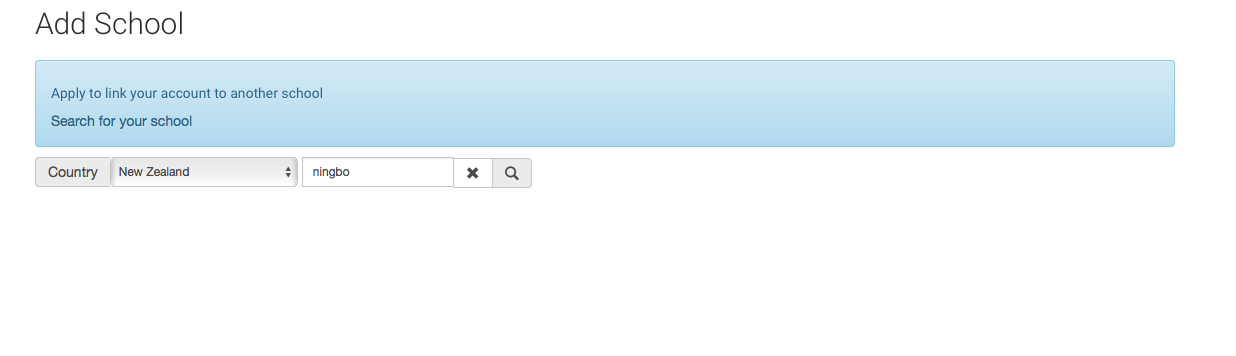 2. To add a teacher to the new school, send request. then login as the admin for that school and accept the request.
3. The plan copy function is in the user admin area (same place as you go to login as another user, except you would look at the bottom of the options, "Copy Plans"is the title)
4. Click copy, it may take a while for the first plan to copy, the others should be faster.
-the copied plans should not have any classes, groups, students or teachers associated. it should ONLY be the plan content.
-only firebox items owned by that user should be copied, it should not copy items that other collaborators might have added to the plan.