
Using google search the school name and specifically add keywords such as 'Teachers' 'Team' or 'Staff' to get better results with finding a schools staff list.
In this example I've searched James Cook High School staff - it hasn't given me a full list of staff but a list of school managers for each year level.
1. I've opened the accredo Customer Contact Form typed in the school code in 'select customer' and upon clicking the school name it has shown me these contacts for that school (click on the image for a full screen view).
-Searching the school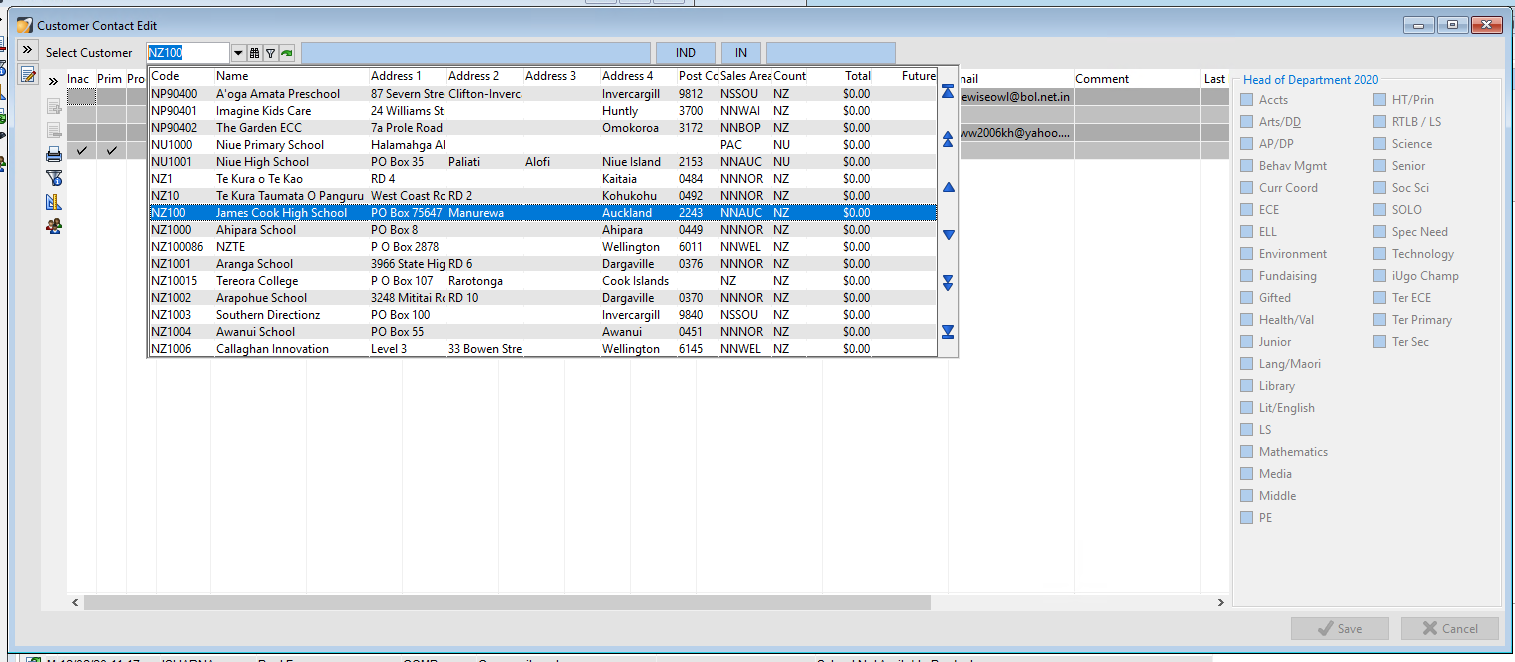
-Selecting the school and displaying the contacts
2. The next step is to run through the staff list on the school website and check the data we need to edit, add, or remove. On the website I'm looking through, there are 13 contacts to be added and 1 to be edited. The school website didn't display each teachers email address but looking at the existing teachers email address in the accredo contact form I can assume that the email addresses will follow the same format of the first name initial, a full stop, the last name - then the school email domain.
-First I will edit the contact needing an update by clicking on the edit icon on the top left hand corner of the accredo form. Now you can type into the boxes where the information displays.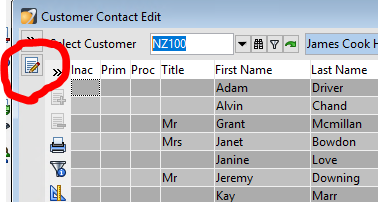
-Type in the changes (in this case I edited the year level for the teacher) then click save.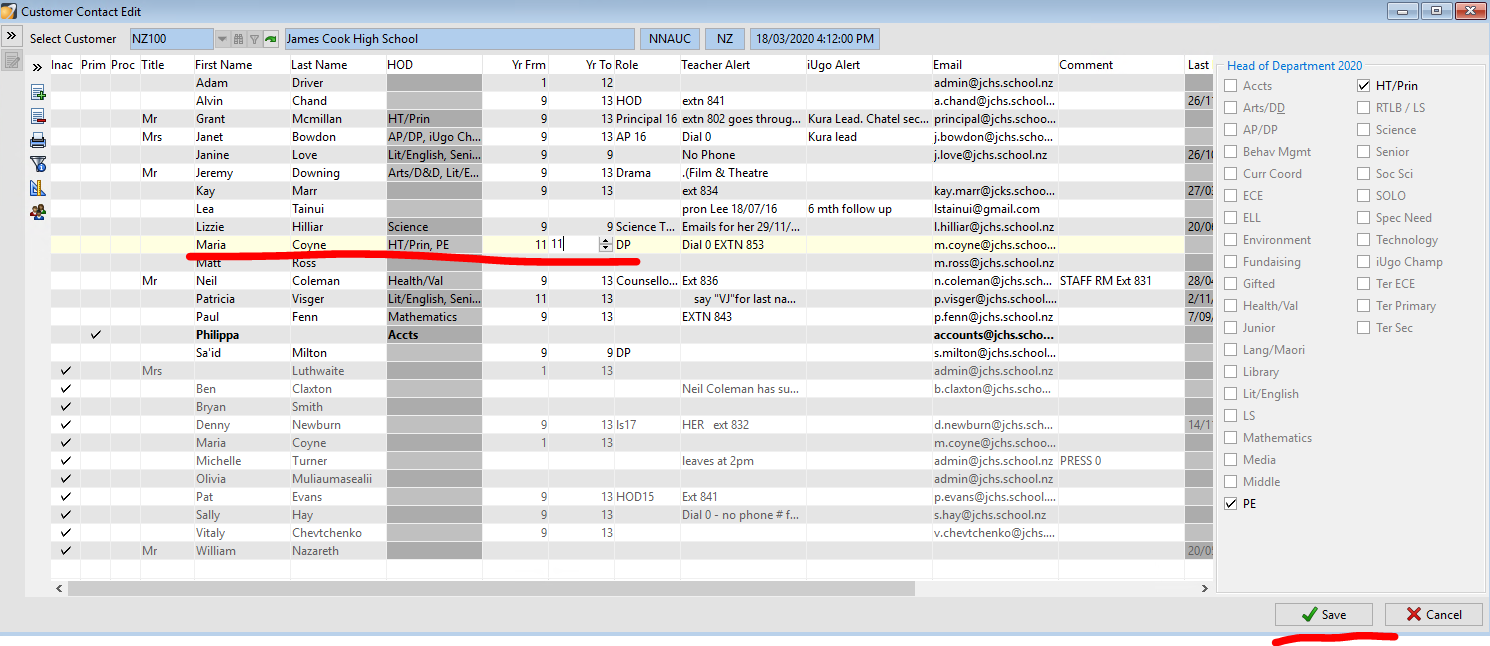
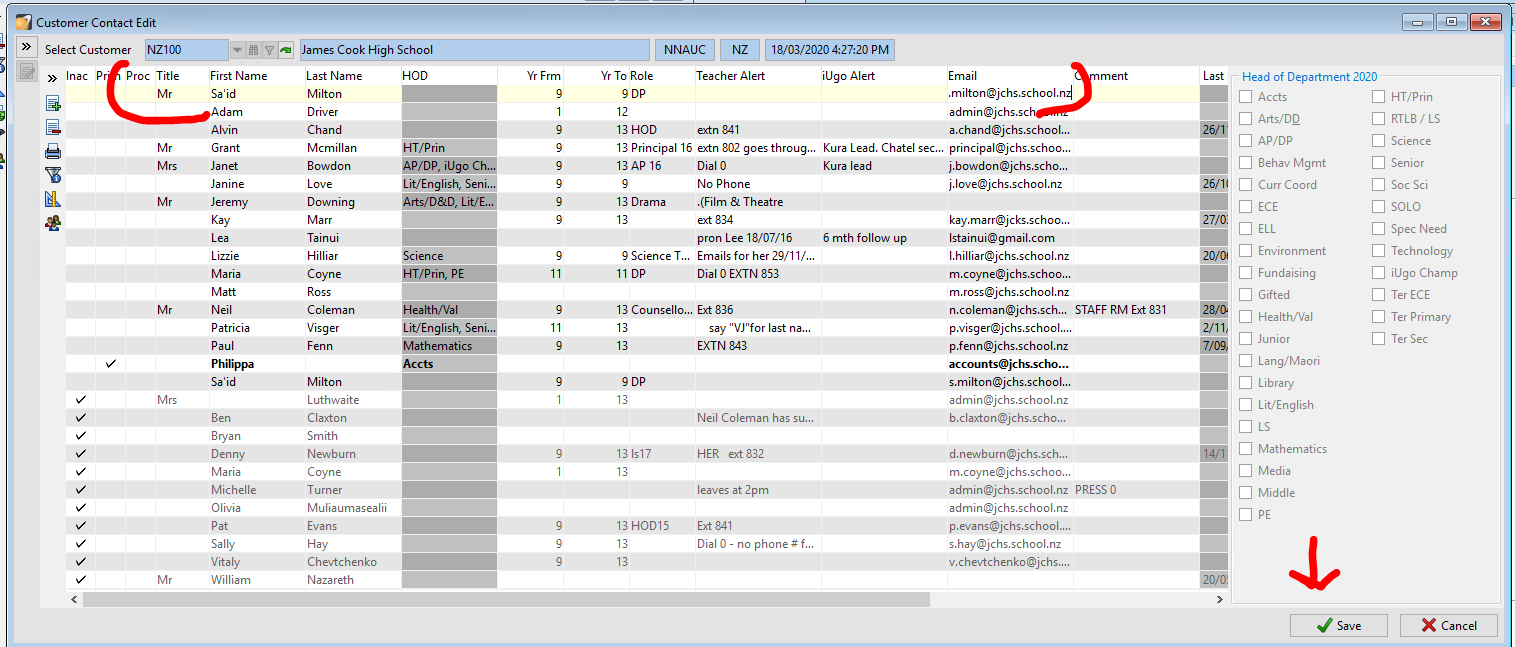
3. To add a contact, click on the edit icon on the top left hand corner then click on the plus icon to add a new line that you can type into.
-Type the in all the details you know and click save (to save time especially if there are multiple contacts to be added, just keep adding new lines and typing in the details before you click save.
Here is a video to summarise this: