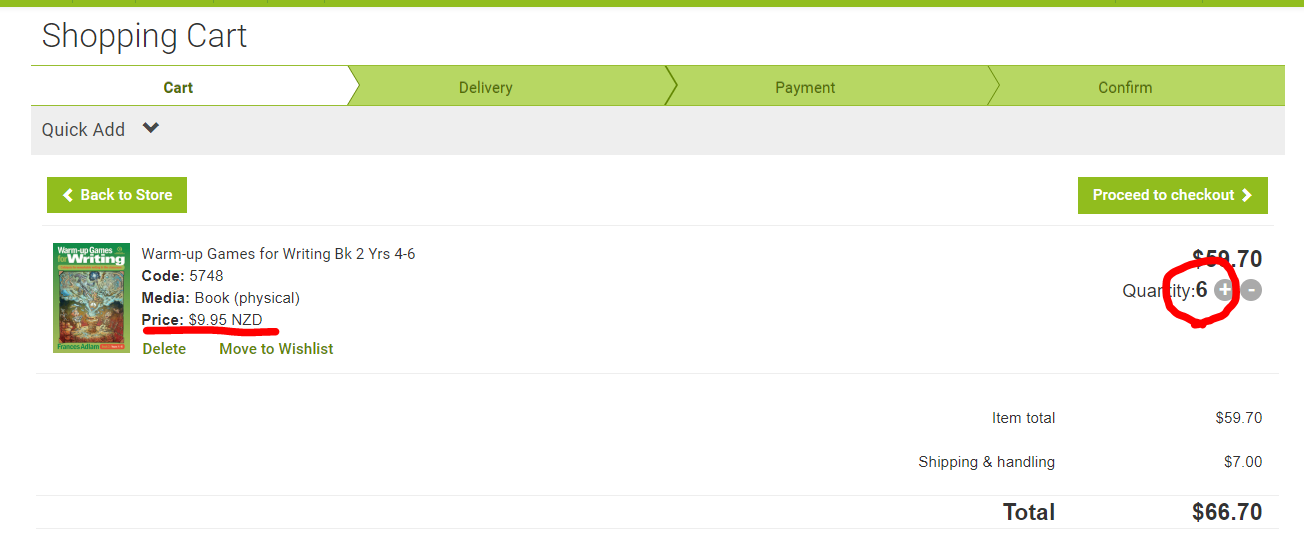
*Click on the images to view full size in a new tab if it's to small to see properly
1. In Accredo go into the navigator to the left - then select Maintain, inventory control then open Product Maintenance.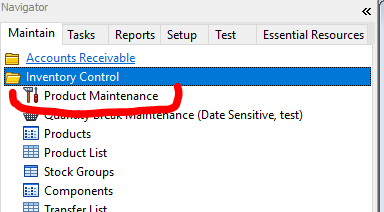
2. In the product maintenance pop-up, type the book code into 'select product' at the top left hand corner: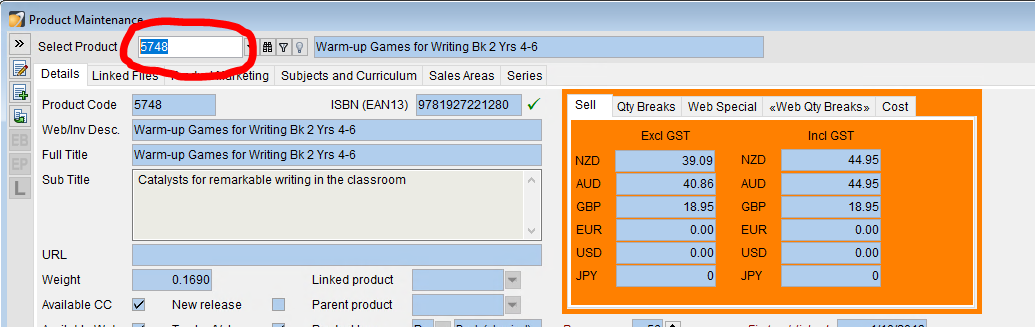
3. Click on the edit icon on the top left hand corner so you can edit the product details.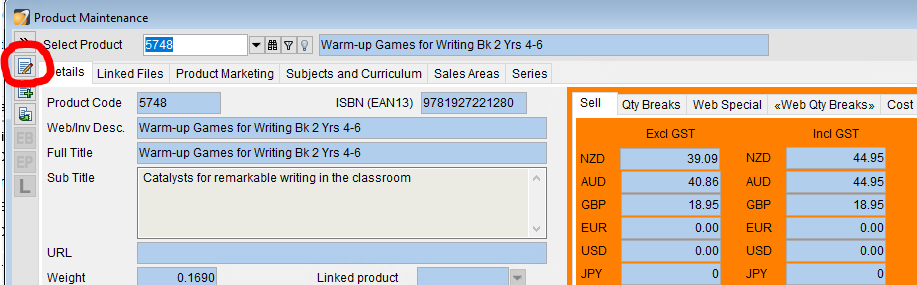
4. In the pricing section of the product there is a menu item called <web Qty Breaks> open this section.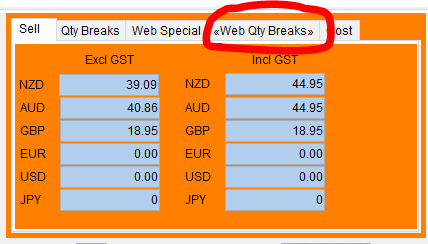
5. Start typing in the price brackets in this order (if the book has a main price different to $44.95 please reach out to Nicola before changing).
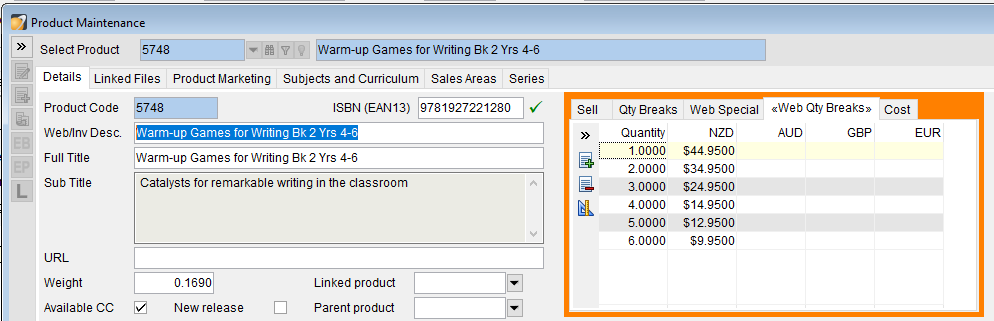
You can add or remove lines in this section by clicking on these buttons: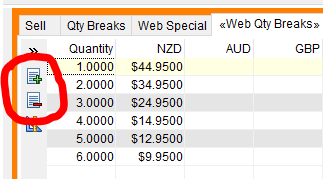
6. Click the OK button to save the changes and send the prices up to the website: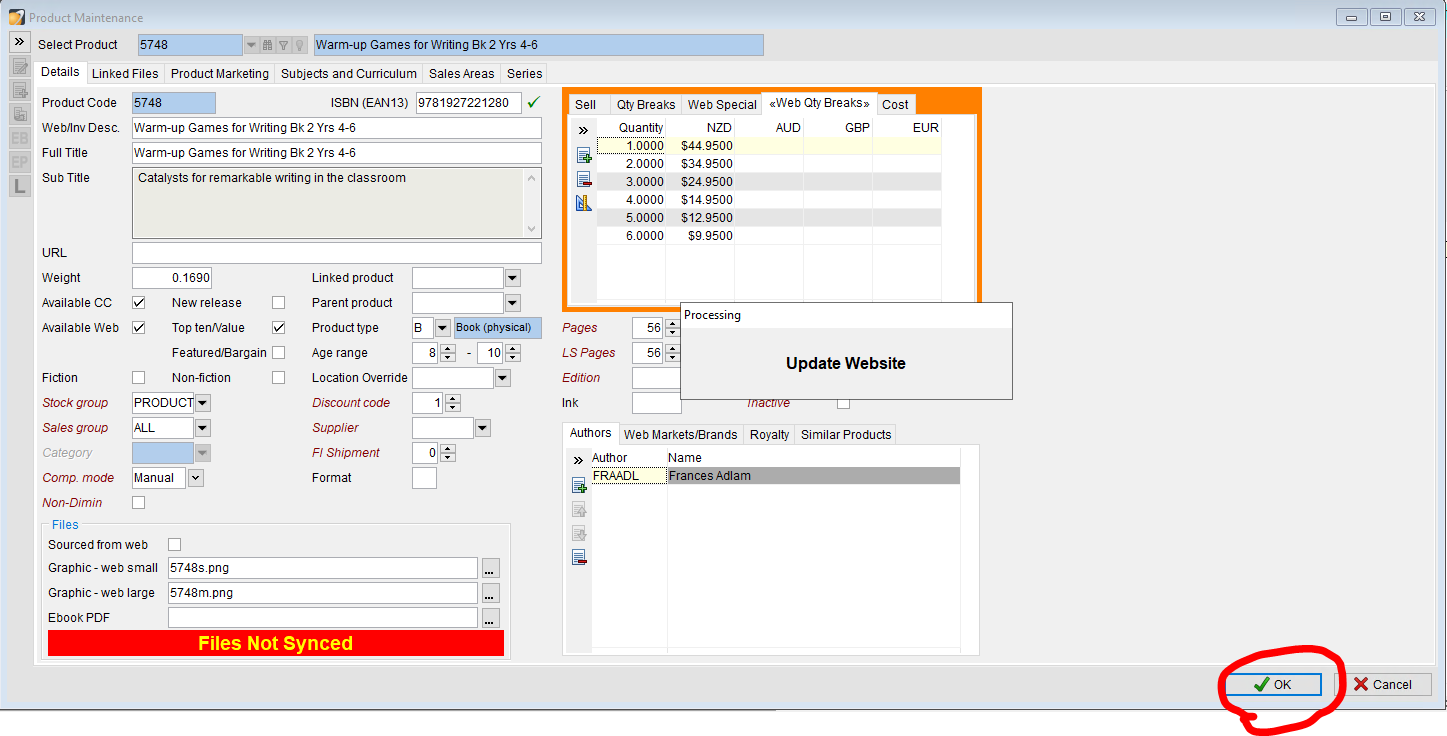
7. This is what it will look like on the website:
A customer will see the discounts applied in the checkout when multiple quantities are added.