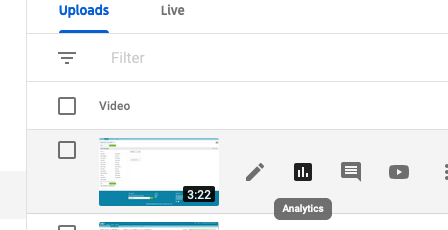
1. You can make any video link full screen by changing the video id part of the this link format (highlighted in red)
https://www.youtube.com/embed/NMx2jj9Ye70?autoplay=1&showinfo=0
2. And you can force Youtube to only recommend our channel by :
If there is already a ? in the url, then the change you make is different.
For instance, if the url is this: https://www.youtube.com/embed/8Qpv_lR1bI0?wmode=opaque
Then, you add &rel=0 (ampersand instead of question mark), to get this https://www.youtube.com/embed/8Qpv_lR1bI0?wmode=opaque&rel=0
The rule is:
If there is no ? in the url, then add ?rel=0 to the end.
If there is a ? already in the url, then add &rel=0 to the end.
3. So:
Copy the link from YouTube:
Login to the Er Channel Youtube using ER Tweechers user name
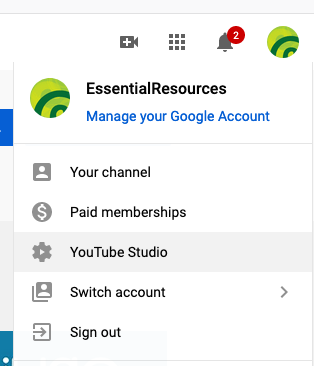
Click 'YouTube Studio' in the the right icon
Click on the video the see the analytics