- A general rule to start off with-
Close pages that are open with the course but one, sign out of the course, close the browser. Then re-open the browser, head back to the course login page, and try again.
Cookies:
You can rule out a cookies issue by asking the user to go on a ‘incognito’ or ‘private’ browser page, then if that is working fine, it relates to cookies that need to be refreshed/ or removed (or you could just ask the user to completely clear their cache/history.
Clear cache & cookies - Computer - Google Account Help
Delete cookies in Microsoft Edge - Microsoft Support
Internet Speed:
If they sign in but there are loading issues, it could be to do with their internet speed (you will see minimum requirements on Freshdesk page) or browser version. You can ask them to go to google and type internet speed test and run this option here: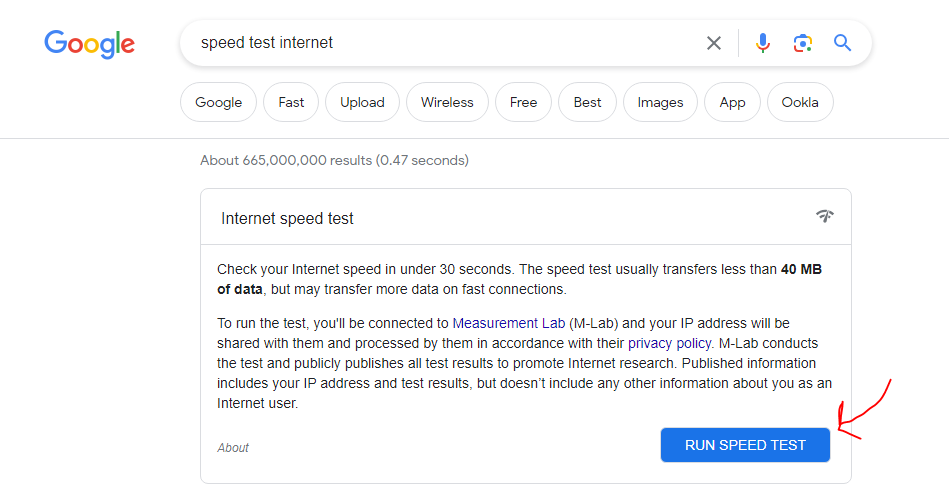
Required (desktops: ADSL or higher, mobile: 4G or higher)
Quality cannot be guaranteed for less than 512kbps (kilobits per second, you will see the test runs as mbps or megabits per second). Users will need to have high internet speed.
Browser version:
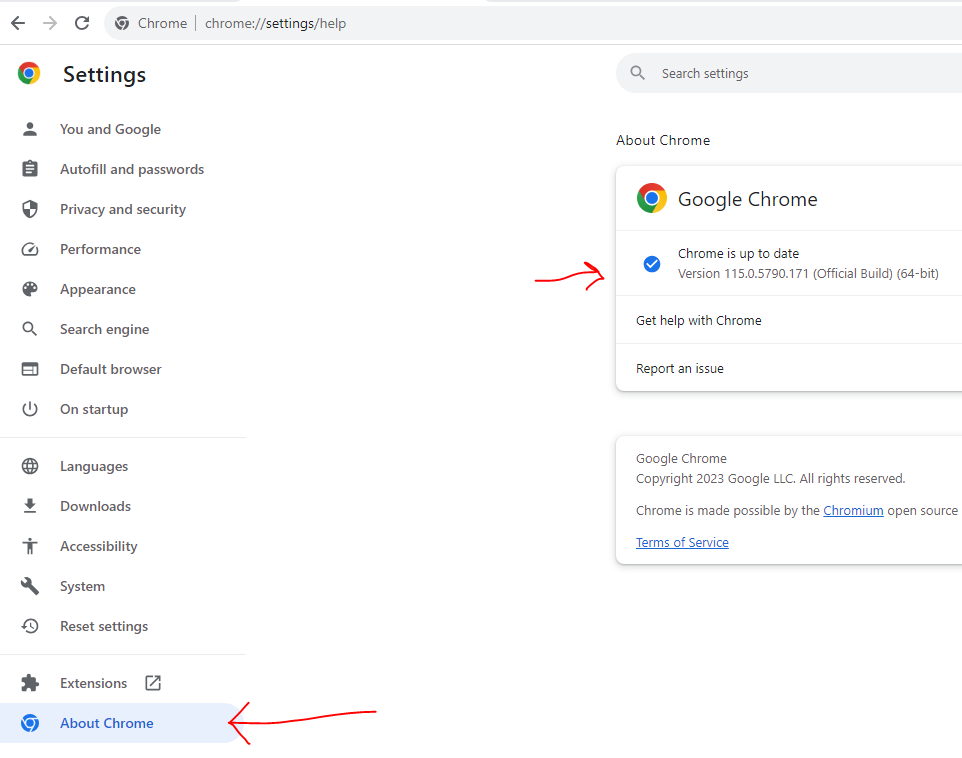
Or check the browser version is up to date here (usually most browsers would have a settings, then ‘about’ option which shows versions): chrome://settings/help